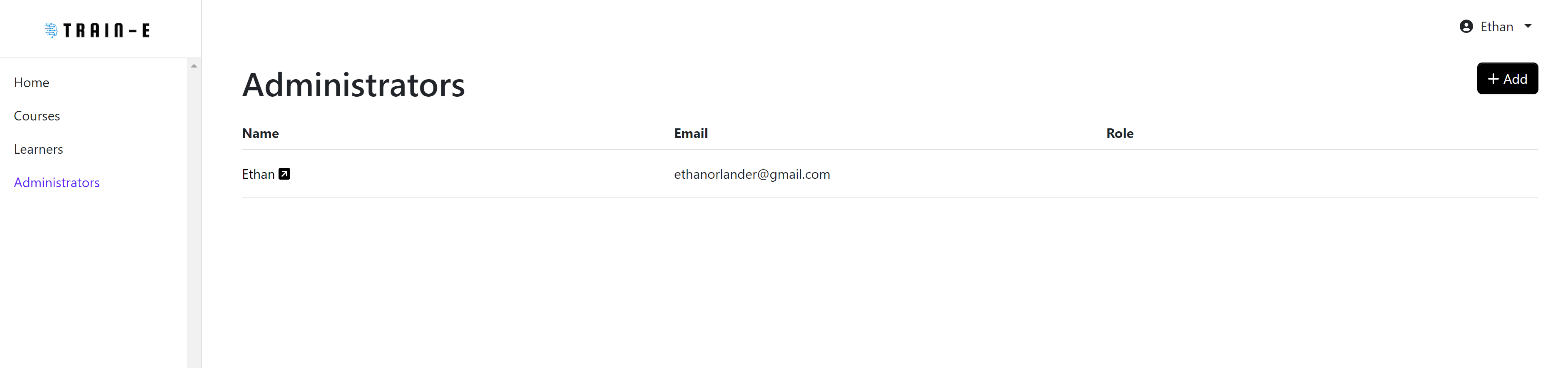
Site Navigation Admins
As a company administrator using the train-e platform, after logging on, you greeted with a homepage at which point you can then navigate to either course administration, learner administration or adminstrator administration.
Courses
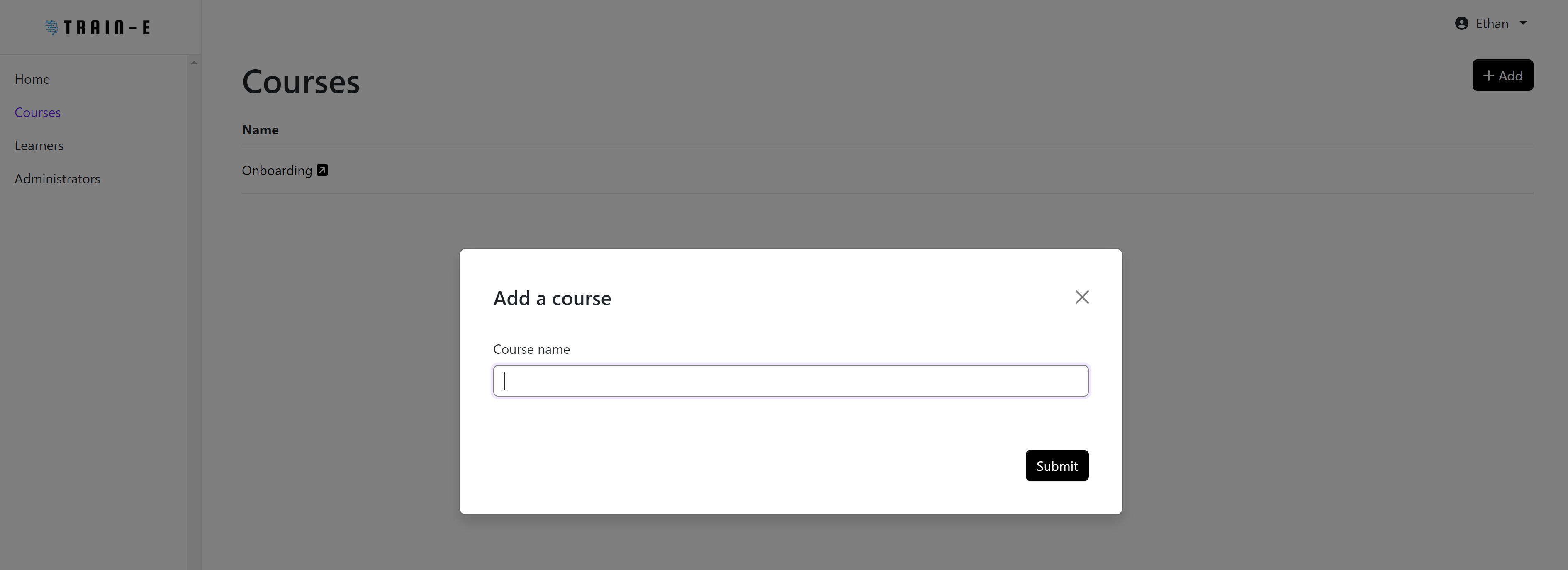
A view of all the courses that are created under your company can be viewed intially. There is also an option to add a new course at the top righthand side of the site.
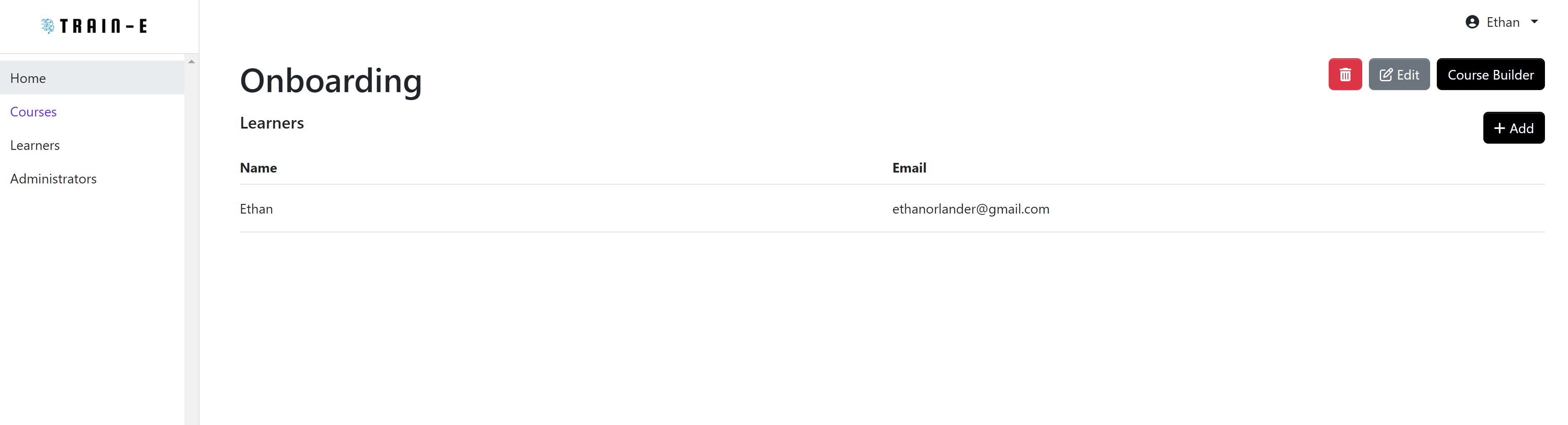
Upon clicking on a course, a list of all the learners enrolled in the course will be displayed. There are then options to delete a course, edit it, and and add learners to the course.
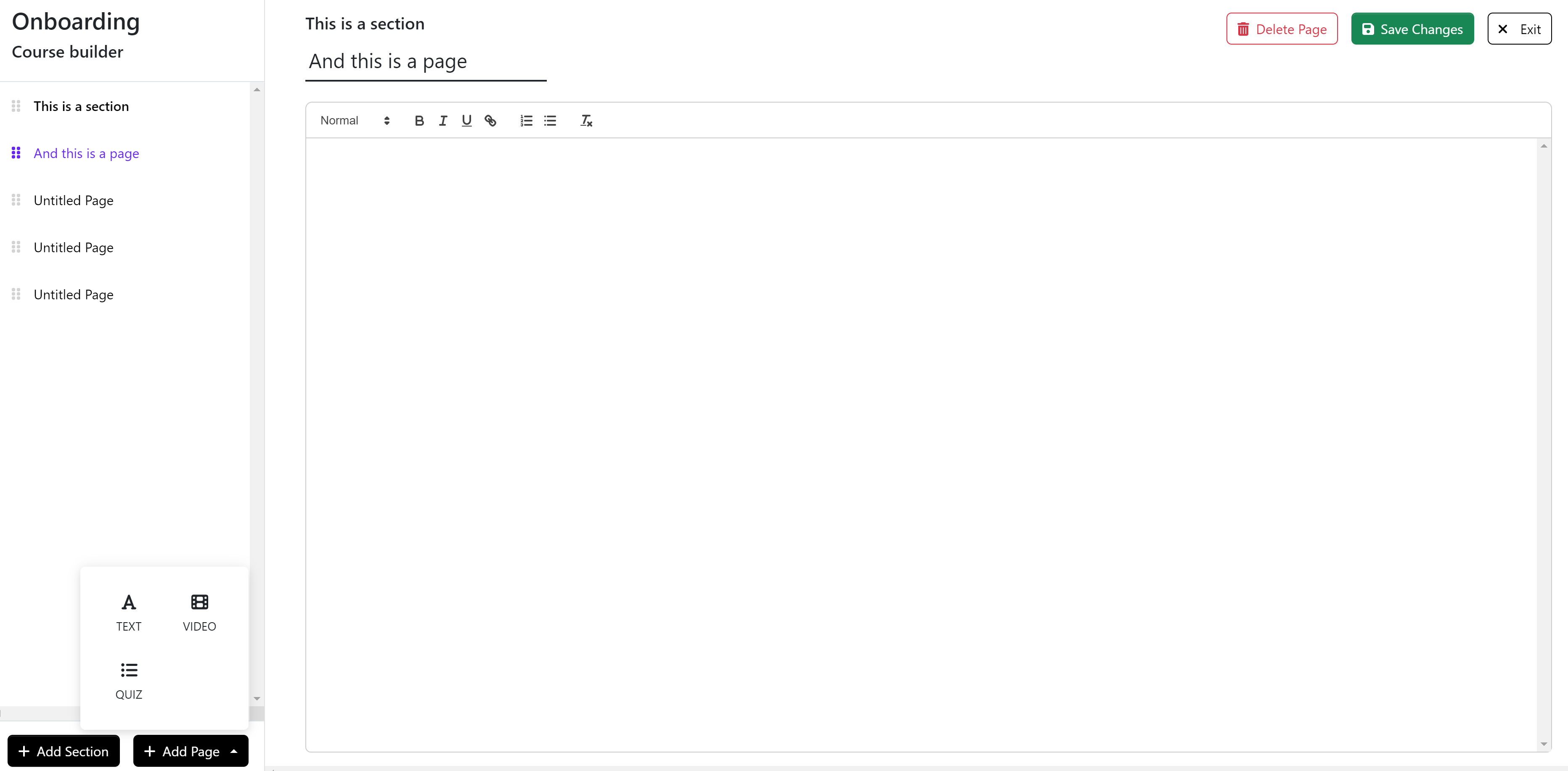
Creating/editing the course content can be done by clicking the Course Builder button. A building tool is now available for an administrator to create sections and pages. Pages can be either rich text documents, videos, or quizes. After finishing edits to a course you can save the course and begin to make changes to other courses or navigate elsewhere in the administration site.
Learners
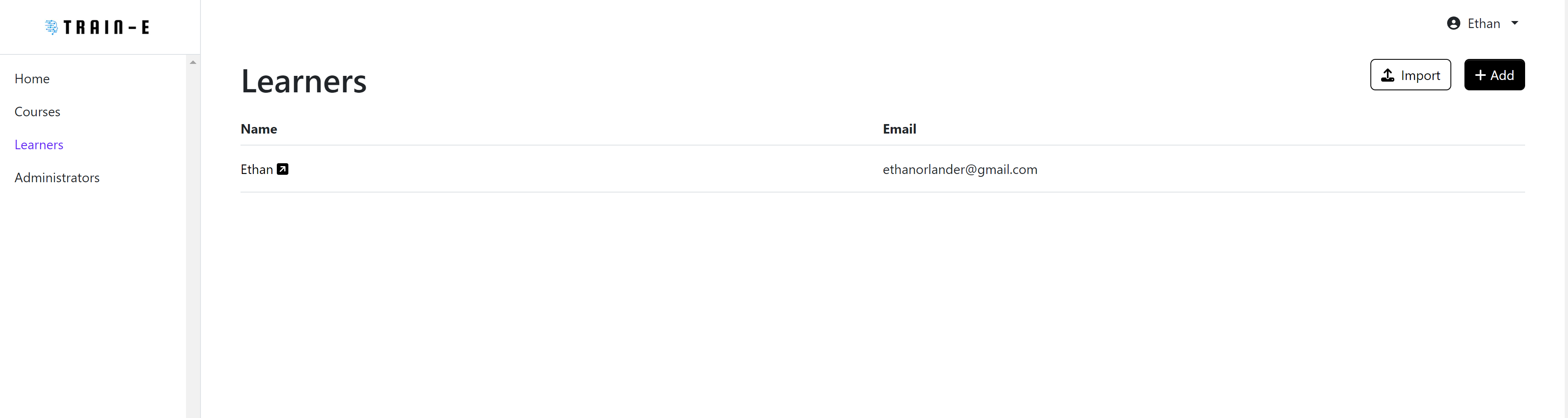
The learners page displays all the learners in the company and is where a company administrator can add more learners to the company. Learners can be added either individually, through the add button and by providing a name and email, or in a bulk import through the upload of a csv file.
Administrators
The administrators page displays all the administrators in the company and their roles. As a company administrators there is an option to add other company administrators with the add button by providing their name and email.