Site Navigation Leaners
As a learner using the train-e platform, the first thing that you see after logging on is the list of all courses that they have you are enrolled in.

Getting Started In a Course
After selecting a course, you are taken to your dashboard where you can begin consuming course content. There are a variety of content types avaible depending on the construction of the course, including quizes, rich text documents, and videos. On the side navigation bar a learner can see their progress in the course. Each subsequent subsection can only be viewed once the previous subsection is completed and submitted. Navigation between subsections can be done by using the last and next buttons on the bottom of the content window or by clicking on the side navigation bar.
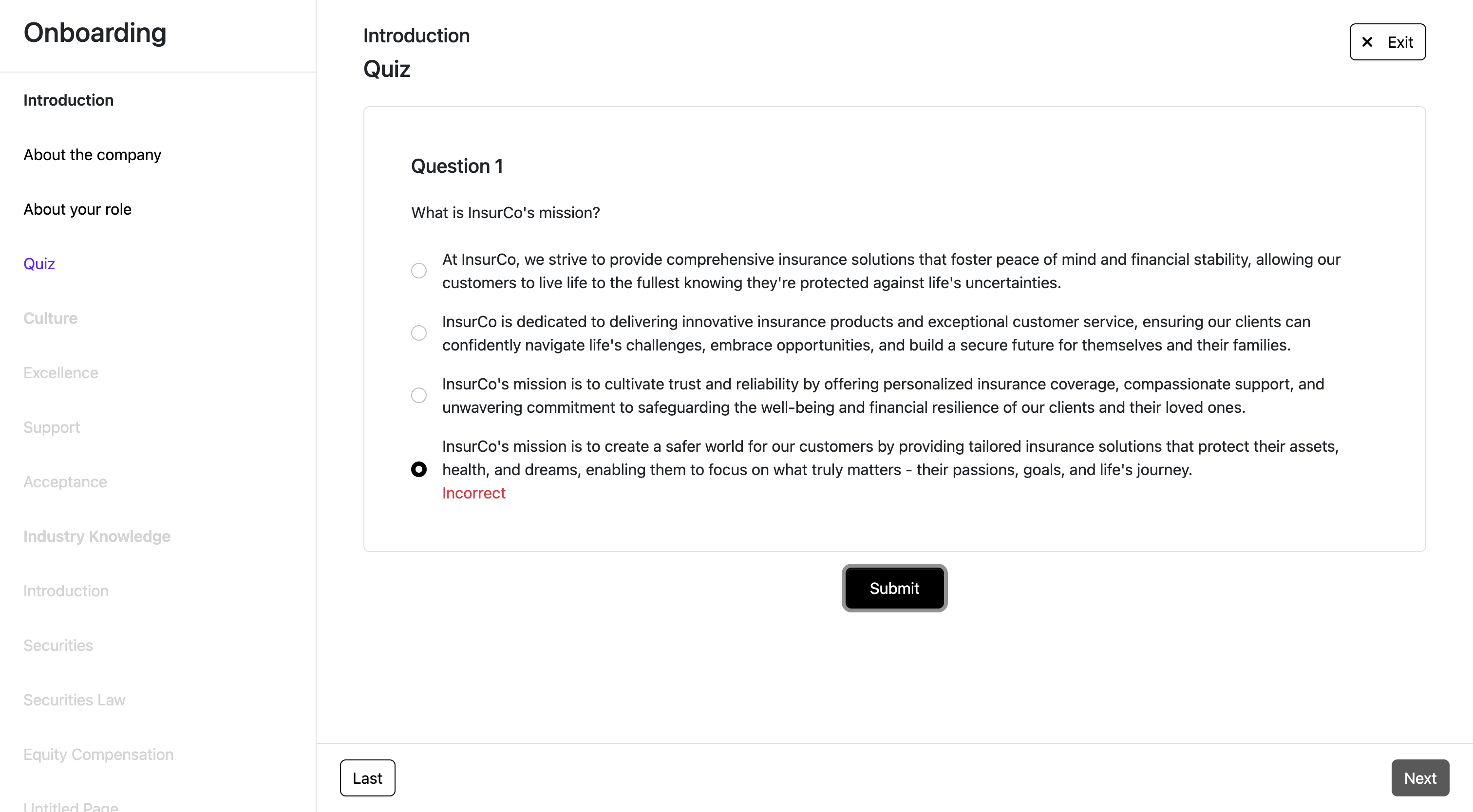
A course can be exited by clicking on the exit button which then brings you back to the courses dashboard where you can begin to work on or resume another course.